Documentation
Your plan, trial & billing
Your plan, trial, invoices, and payment details live under Settings → Account & billing. This is separate from taking payments from your own clients — this page is about your subscription to Get Bookable.
Your trial
New businesses start on a free trial with the full product. A chip on the Account screen shows how long is left. Nothing charges automatically during the trial — you choose a plan when you're ready.
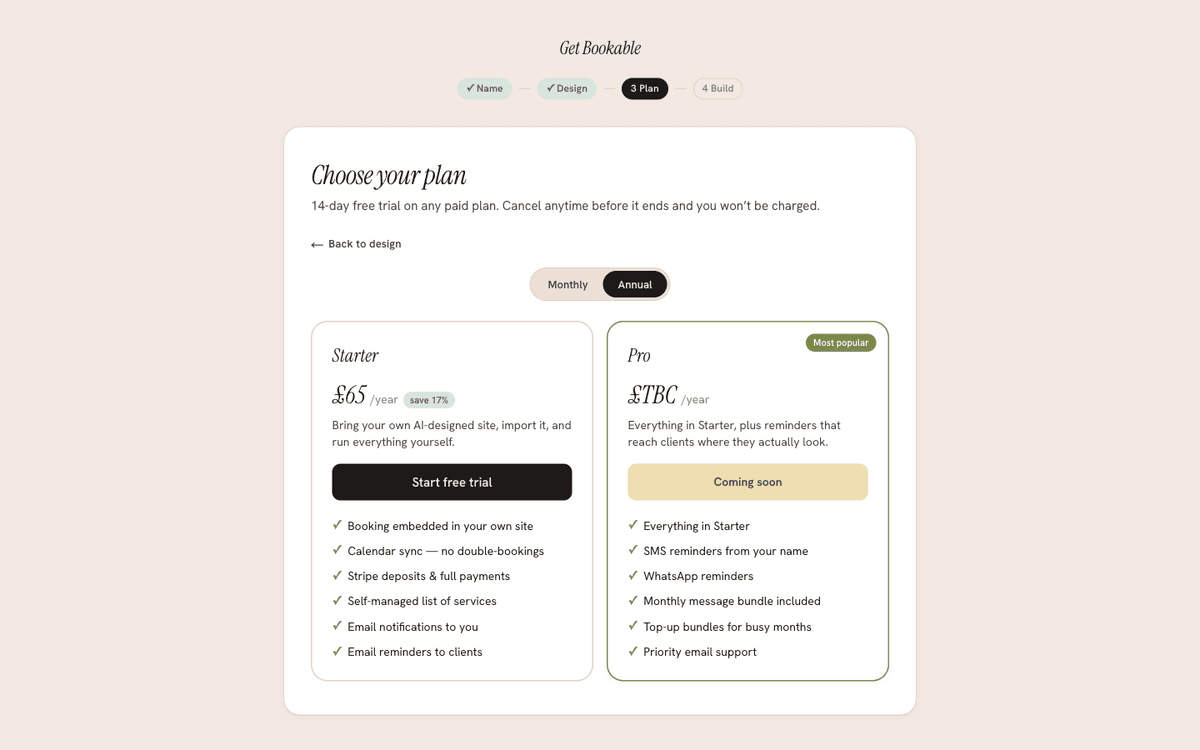
Choosing and changing your plan
Pick a plan from the Account screen to subscribe. Checkout and payment are handled securely by Stripe; we never see your card number. To change plan, update your card, or view past payments, open the billing portal from the same screen — it's Stripe's secure self-service area for your subscription.
Invoices
Every payment produces an invoice you can download from the billing portal for your records and accounting.
If a payment fails
If a subscription payment fails, we don't cut you off straight away:
- You'll see a banner prompting you to update your payment details, and your site and admin keep working.
- If it stays unpaid, there's a short grace period during which everything still works so you can fix the card.
- Only if the grace period passes does access narrow to the Account & billing screen, so you can always sort out billing and get back to normal. Your data is never deleted for a missed payment — update your card and you're straight back in.
Need help?
If something about your plan or billing isn't right, use the contact your account manager link on the Account screen and we'll sort it out.