
Documentation
Collect & show testimonials
Happy clients are your best marketing. The Testimonials screen in your admin lets you collect and curate the quotes that appear on your site.
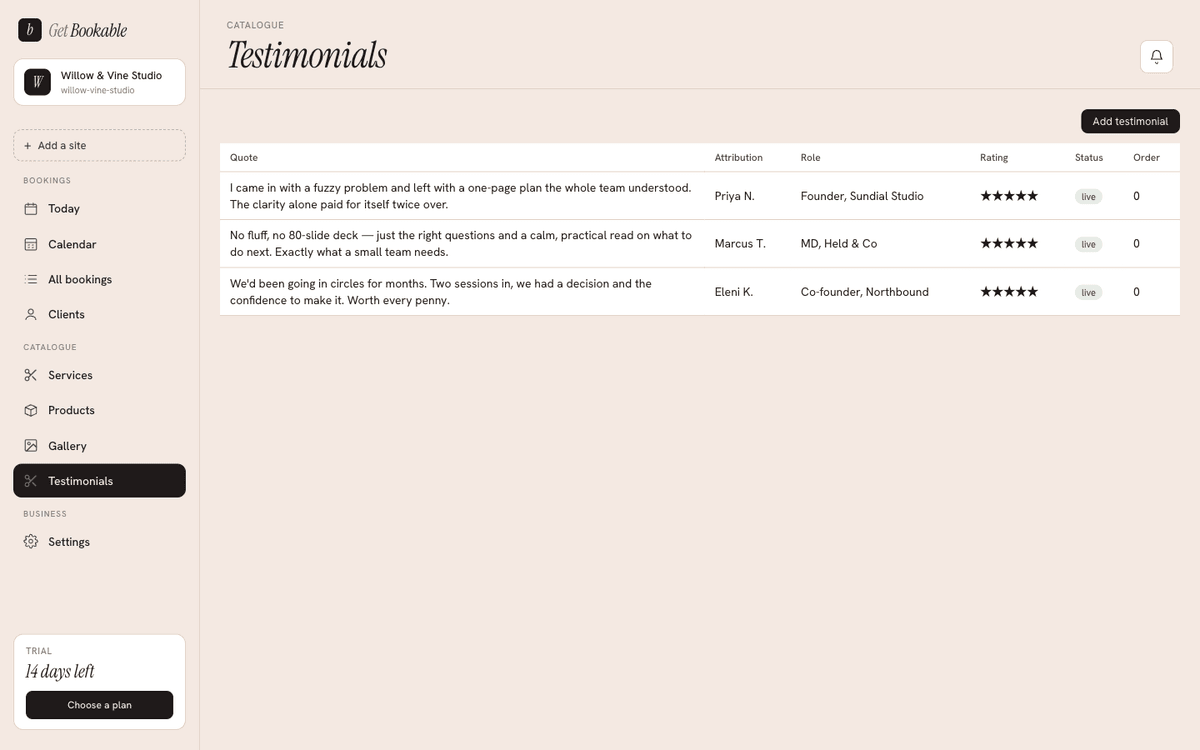
Adding a testimonial
Add a quote with the client's words, an attribution (their name), and optionally their role or context ("bride", "regular since 2019"). You can give each quote a star rating from one to five, so your testimonials reflect real feedback rather than a hardcoded five stars.
Live vs off
Each testimonial is either Live or Off:
- Live quotes show on your site.
- Off quotes are kept in your admin but hidden — handy for drafts, or for rotating which testimonials you feature.
Toggle a quote off to remove it from the site without deleting it.
Ordering
Set the display order to control the sequence testimonials appear in. Lead with your strongest.
How they reach your site
Live testimonials appear in the testimonials section of your design automatically — you don't need to re-import to change them. Edit, reorder, or toggle a quote and your site updates.
If your design bundle includes testimonials, a re-import adds any new ones as Off so you can review them before they go live — it never overwrites the ones you've curated.